
Image Resizer
Load an image and set the width and height you need. Keep the aspect ratio locked or enter both dimensions, then download a new file.
How to use the image resizer
Enter the output dimensions, check the resulting size, and save the resized file.
Choose an image
Click the selection area or drag and drop an image. Its original width and height appear after it loads.
Enter the size you want
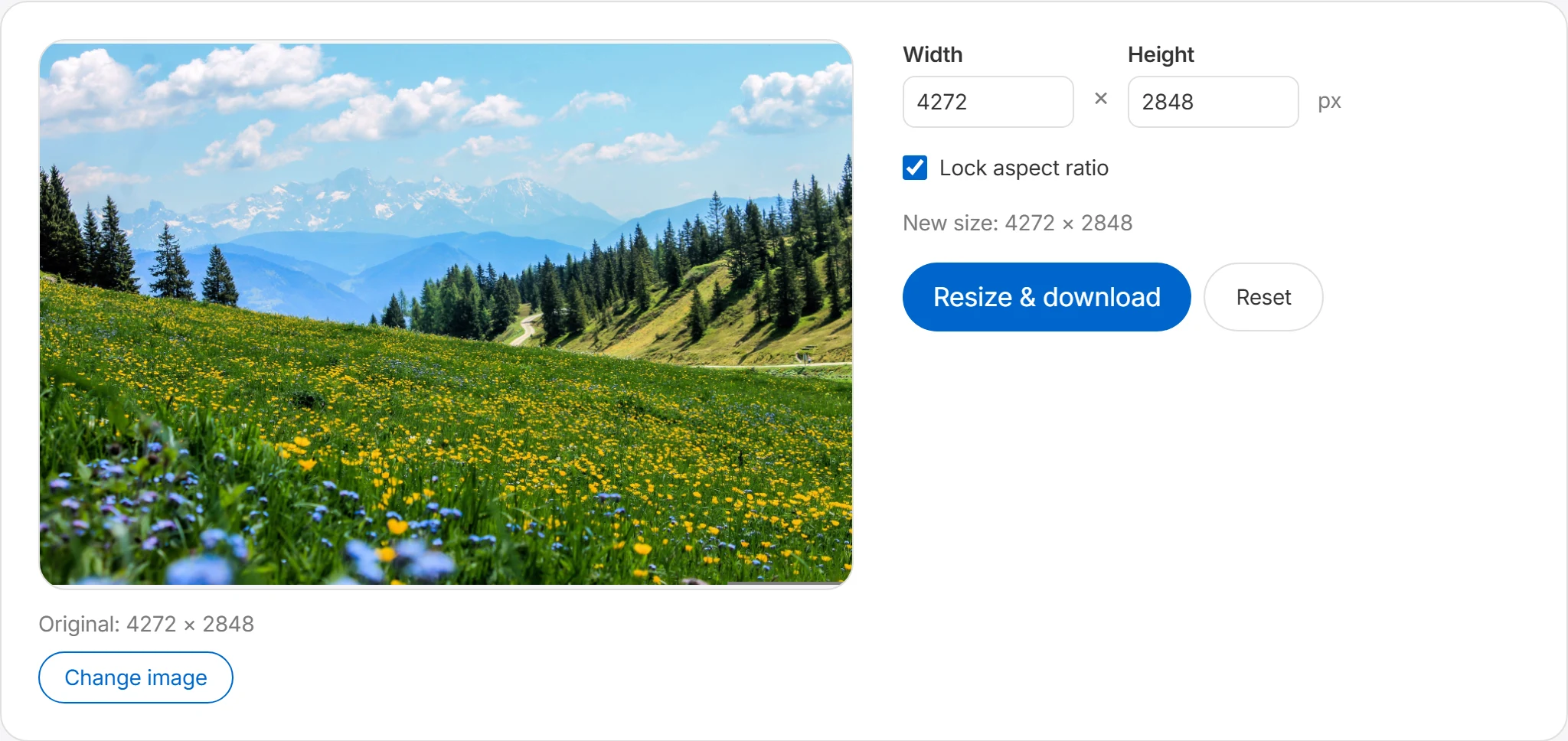
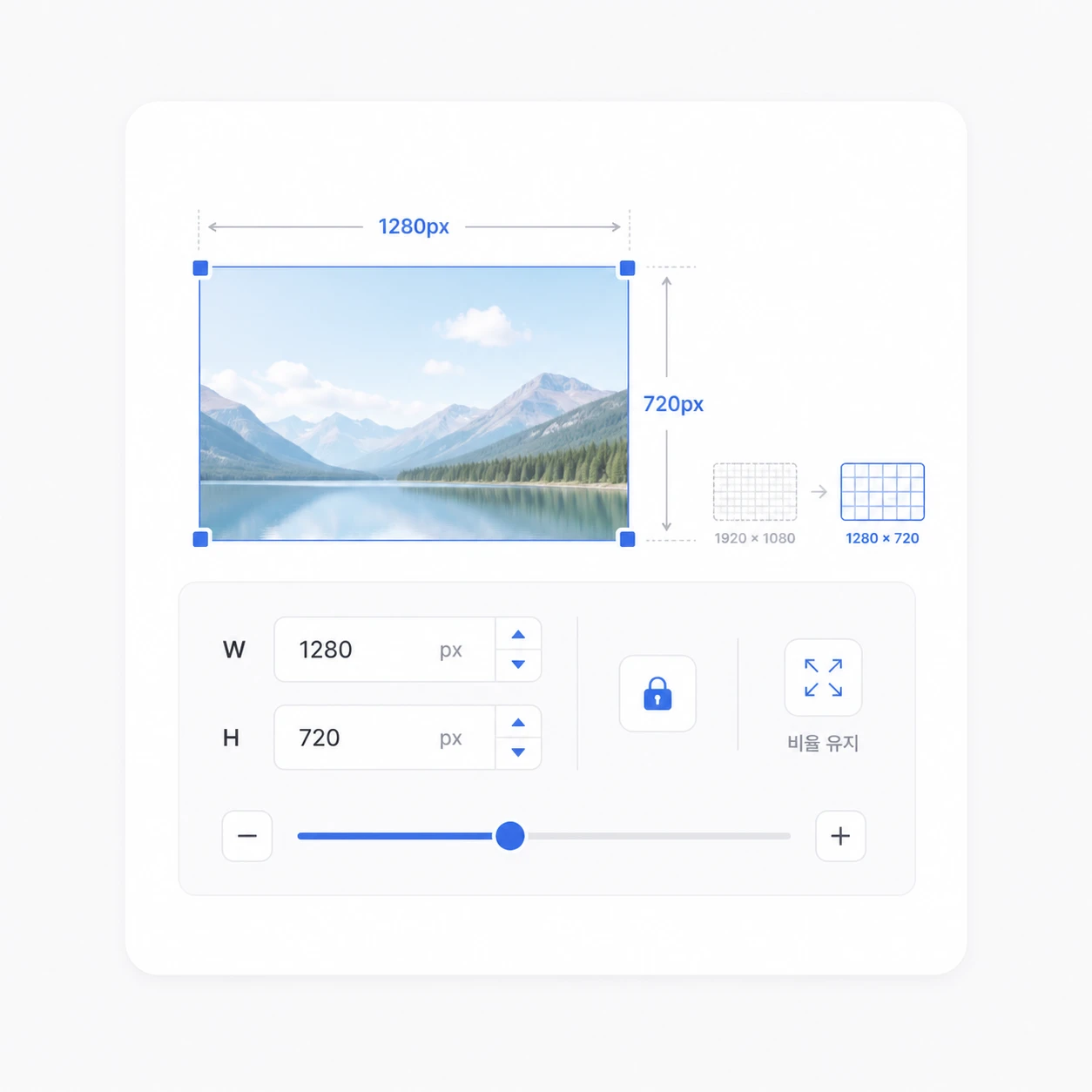
Type the desired pixel values into the width and height fields. With “Lock aspect ratio” on, entering one value calculates the other to match the original proportions, so the image never gets distorted.
Check the new size
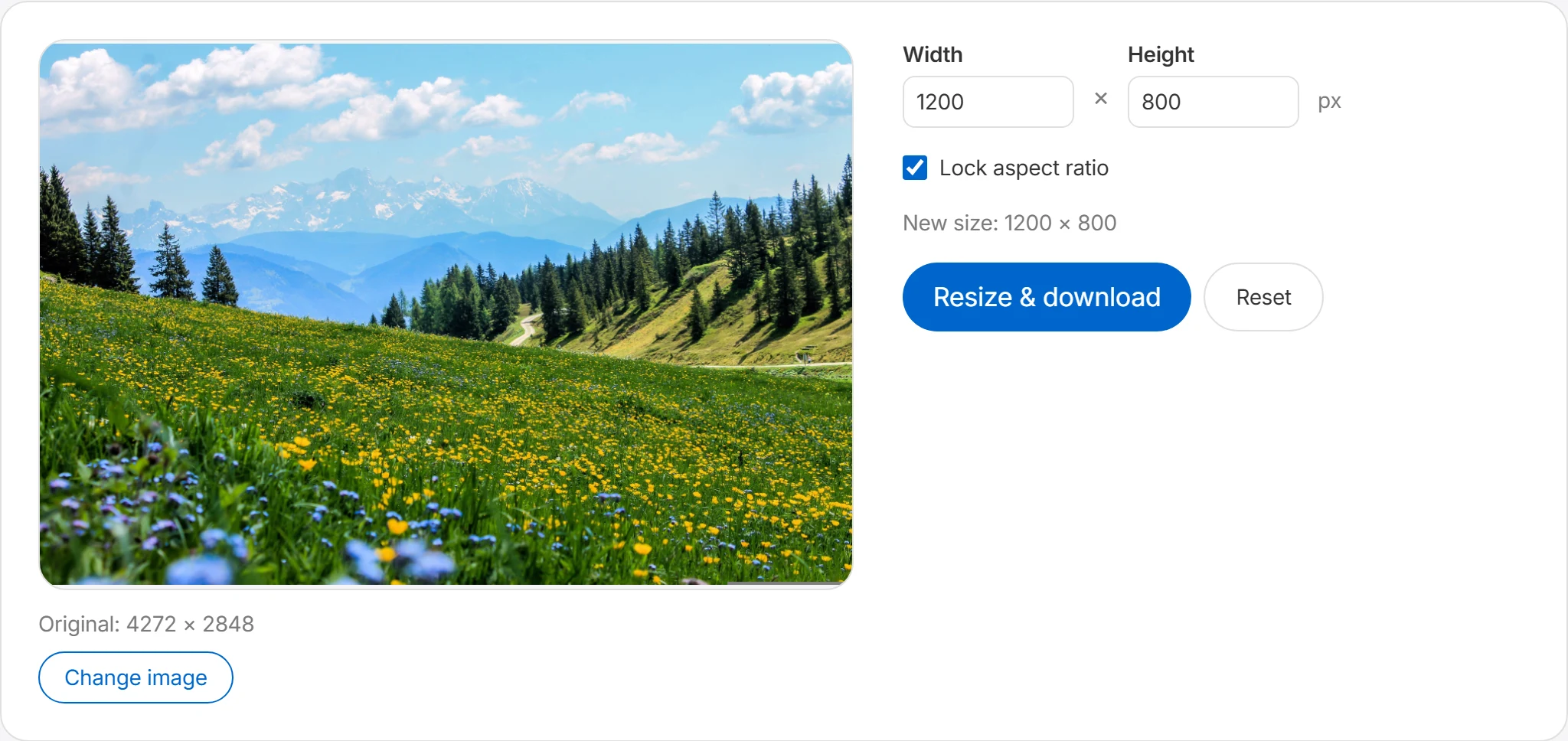
The resulting size is previewed as you type. Enlarging beyond the original can make the image blurry, so we recommend staying at or below the original dimensions when you can.
Resize & download
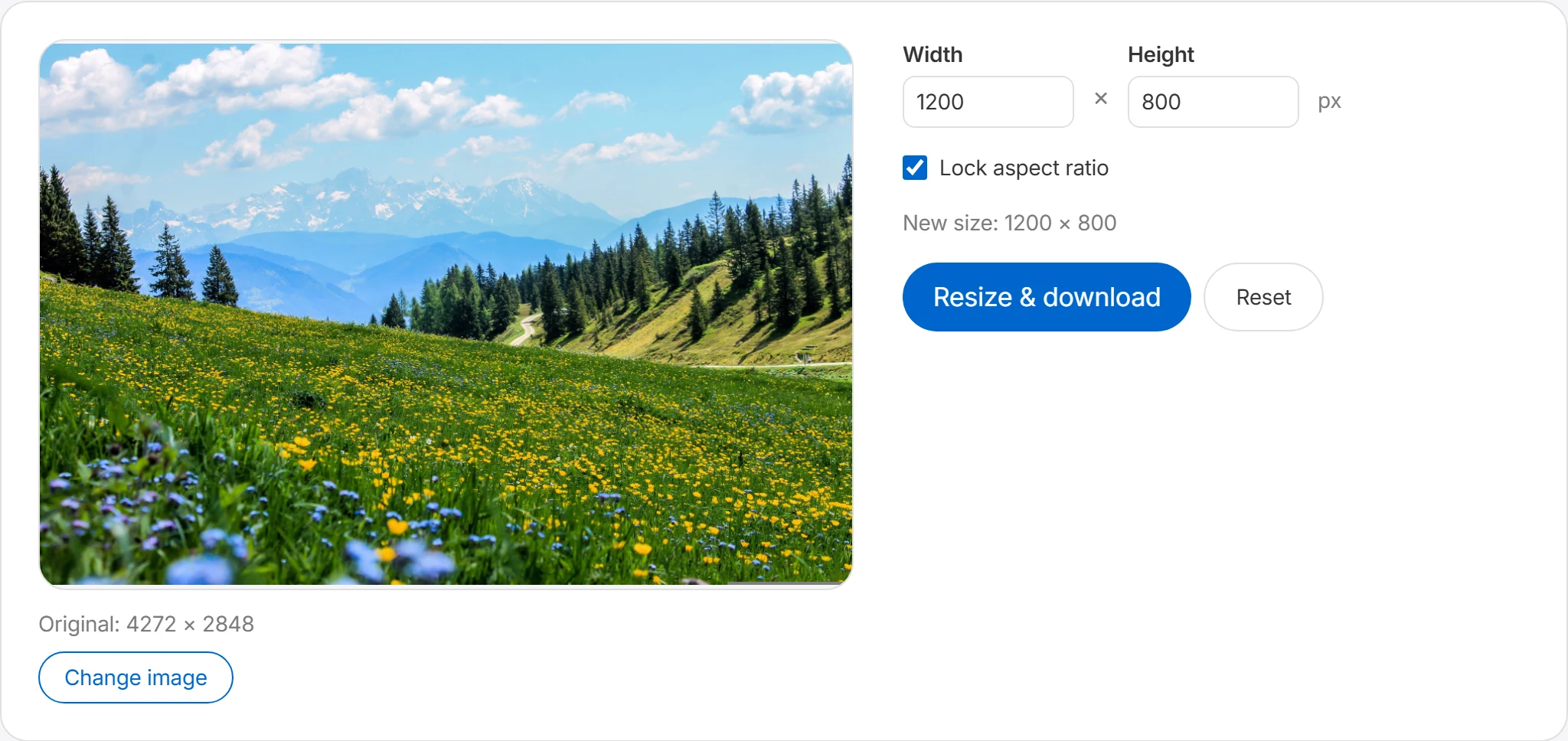
Press “Resize & download” and the adjusted image is saved immediately. The original file stays untouched — only the new file is downloaded.
Set the output dimensions
Enter the width and height directly to resize your image to any size. With the keep-ratio option, the image is resized to the original proportions so it doesn't get stretched or squished.
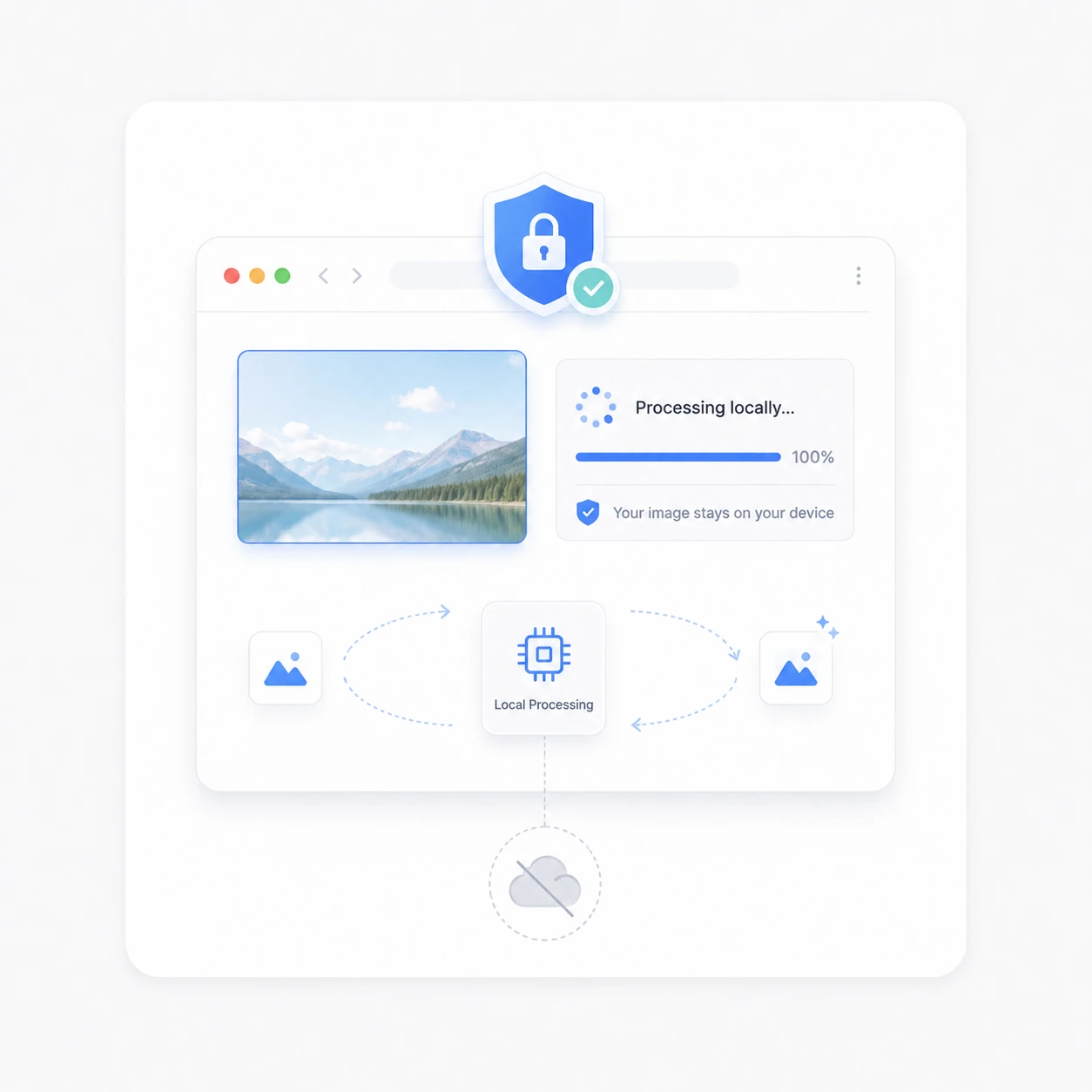
Processed locally in your browser
Resizing runs in your browser, and Boltpic does not send the selected image to its server.
Common resizing tasks
Resizing is the image task people need most often. Here are the typical situations.
Matching platform dimensions
Instagram squares (1080×1080), YouTube thumbnails (1280×720), blog cover images — every platform asks for different dimensions. Resizing to the recommended spec prevents unexpected cropping and blurring on upload.
Speeding up your website
Photos straight from a camera are far larger than the web needs. Shrinking them to the size they'll actually be displayed at cuts file size dramatically and helps your pages load faster.
Email & messenger attachments
When you hit an attachment limit or uploads feel slow, halving an image's dimensions already shrinks it a lot. Images placed into documents also keep the file lighter when resized appropriately.
Frequently asked questions
Will resizing keep the aspect ratio?
With the keep-ratio option, you can resize while preserving the original image's width-to-height proportions. For example, if you enter only the width, the height is calculated automatically to match the original ratio. Keeping the ratio helps avoid images that look stretched horizontally or squished vertically. For images where natural proportions matter — like profile photos, product images, and thumbnails — it's best to use the keep-ratio option.
Which formats can I resize?
Boltpic's resize tool supports JPG, JPEG, PNG, and WebP files. If your browser cannot open a file, convert it to PNG, JPG, or WebP with the format converter, then try again.
Is there a limit on image size?
Practical size limits vary with browser performance, available memory, and device specs. Choosing a very large image can make processing take longer or slow down a mobile browser. If an ultra-high-resolution original is difficult to process, make a smaller copy first and try that copy.
Does resizing reduce the quality?
When you make an image smaller, you can usually use it without noticeable quality loss. However, enlarging an image beyond its original size means the missing pixels have to be filled in, which can make it look blurry. For the best result, rather than enlarging far beyond the original, we recommend reducing it to the size you need within the original dimensions.