
Image Color Picker
Choose a photo or screenshot, then click a pixel to view and copy its HEX, RGB, and HSL values. The file stays in your browser.
Selected color
- HEX
#0066cc - RGB
rgb(0, 102, 204) - HSL
hsl(210, 100%, 40%)
Adjust (HSV)
Picked colors
Colors you pick will appear here.
How to use the image color picker
Choose an image, select a pixel, and copy the value you need.
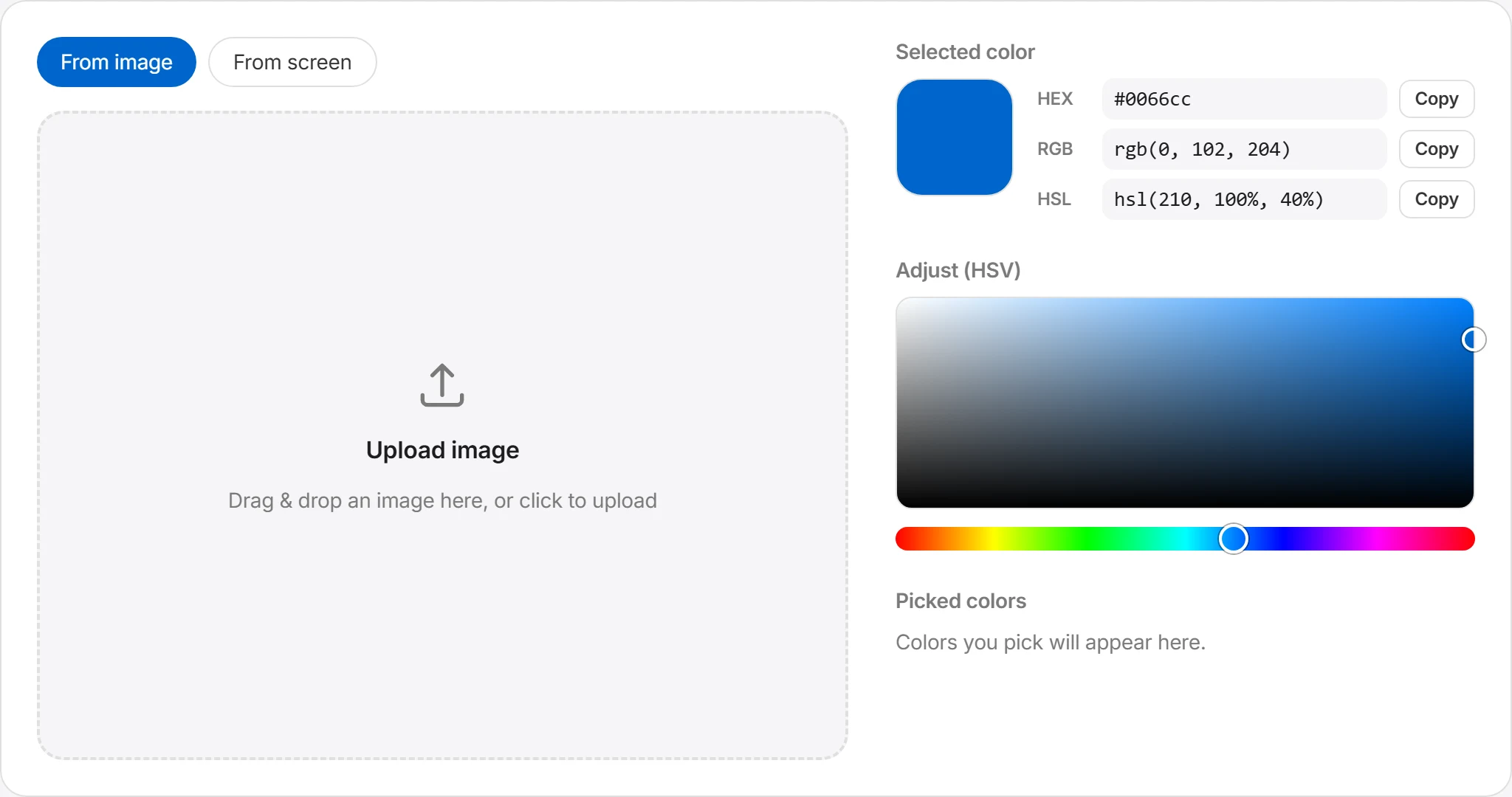
Choose an image
Click the selection area or drag and drop a JPG, PNG, or WebP image. On a supported desktop browser, you can also use “From screen” to sample a color elsewhere on your display.
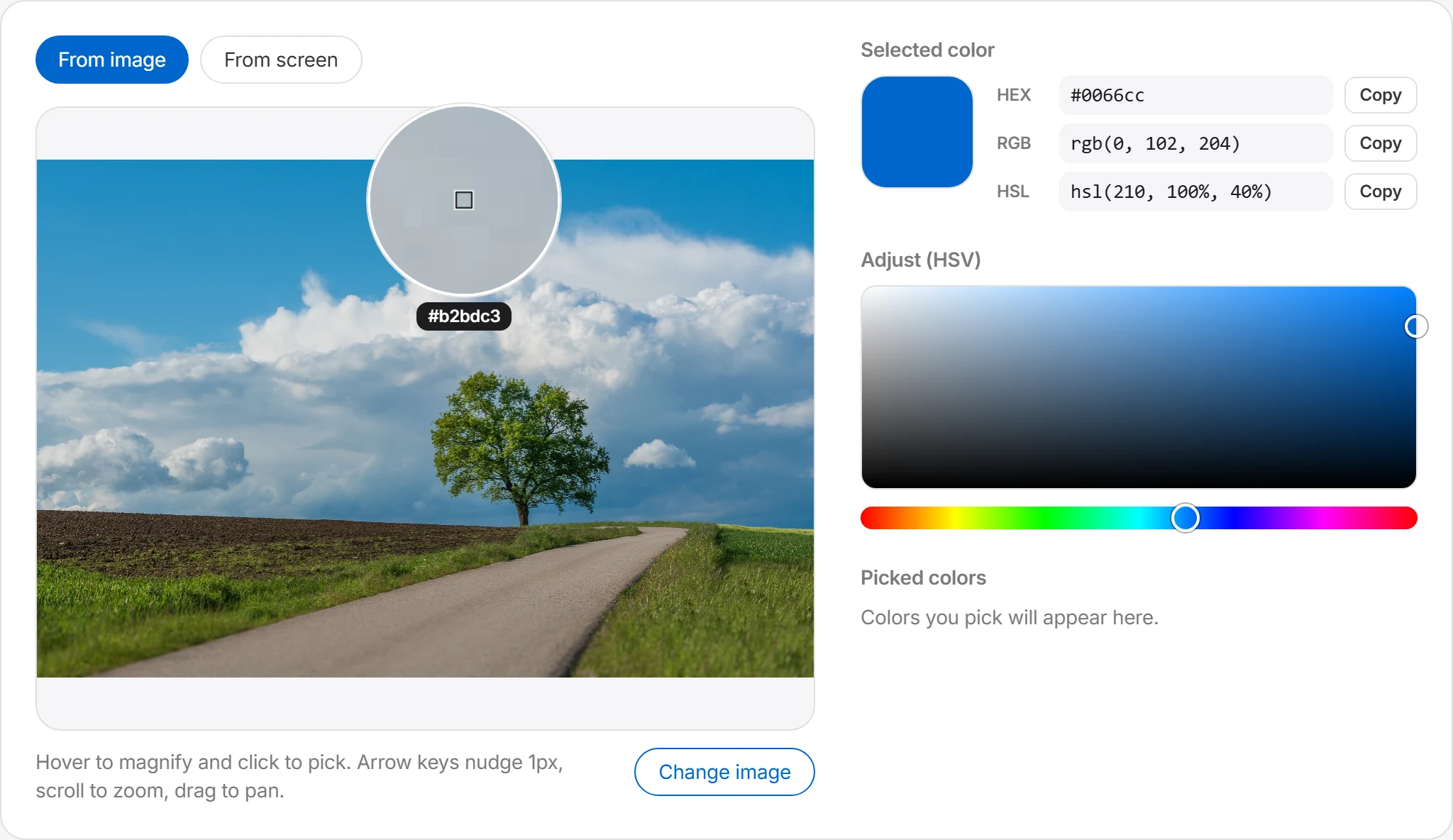
Click the spot you want
Move the pointer over the image to open the magnifier, then click a pixel. Use the arrow keys to move by 1 px, the scroll wheel to zoom, and drag to pan.
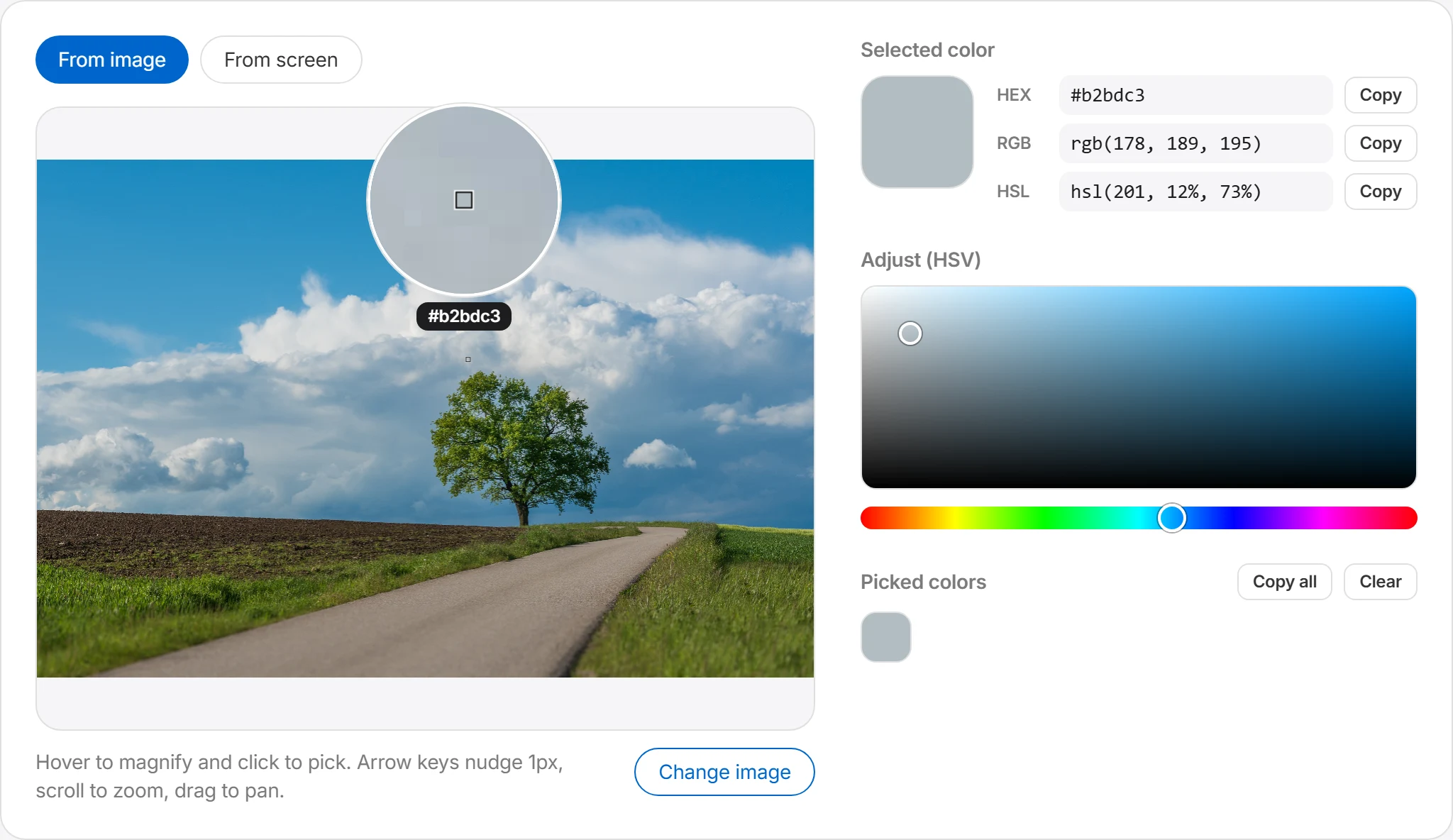
Check and fine-tune the value
The panel shows the selected color as HEX, RGB, and HSL. Use the HSV controls if you want to create an adjusted color rather than preserve the sampled value.
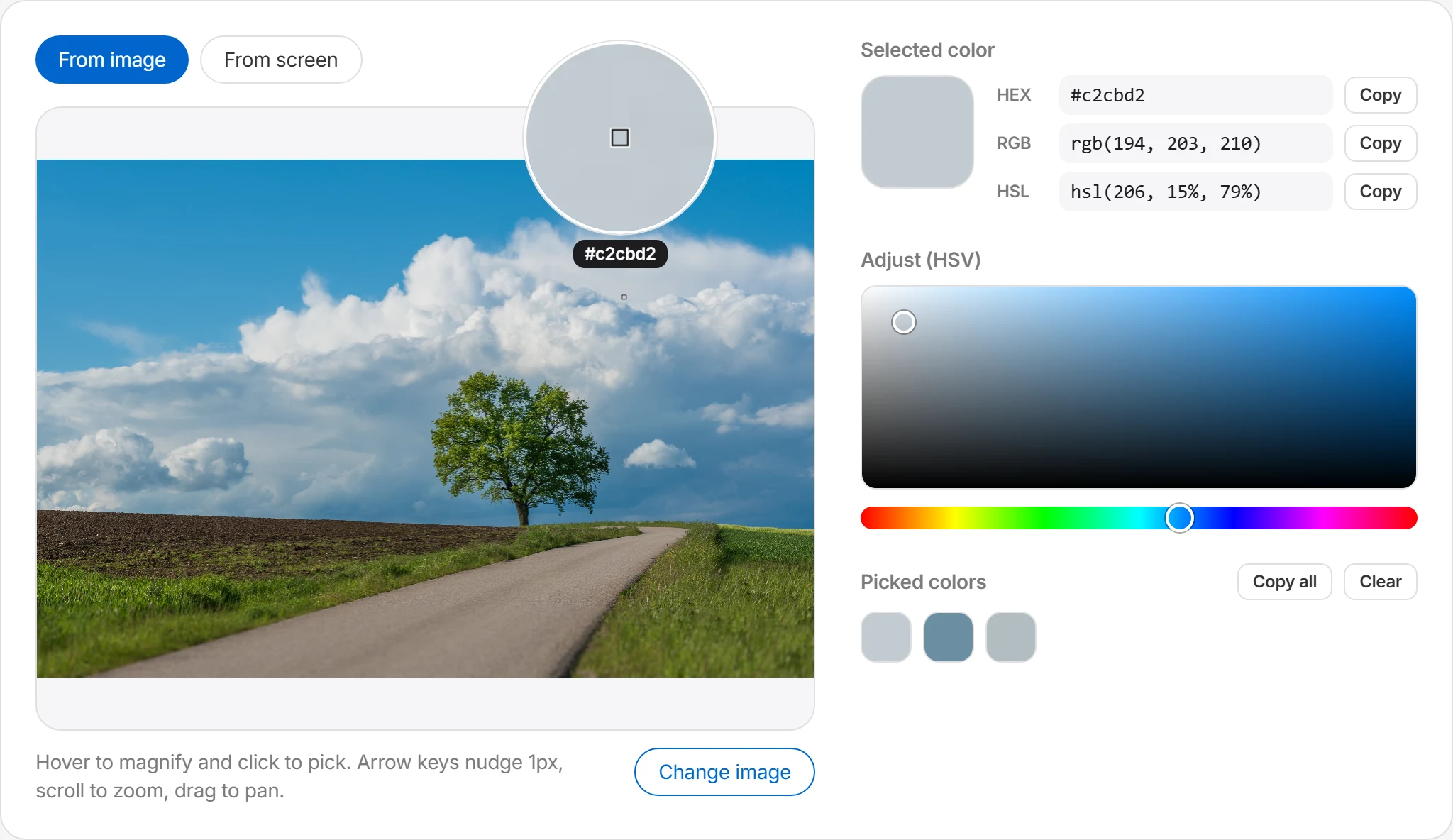
Copy and use it
Press the copy button next to any value to save it to your clipboard. Every color you pick is kept in the history, so you can collect several and grab them all at once with “Copy all” — ready to paste into CSS or your design tool.
Read the color of a specific pixel
Choose an image and click a point to view that pixel as HEX, RGB, and HSL. This is useful for checking colors in logos, backgrounds, buttons, and illustrations.
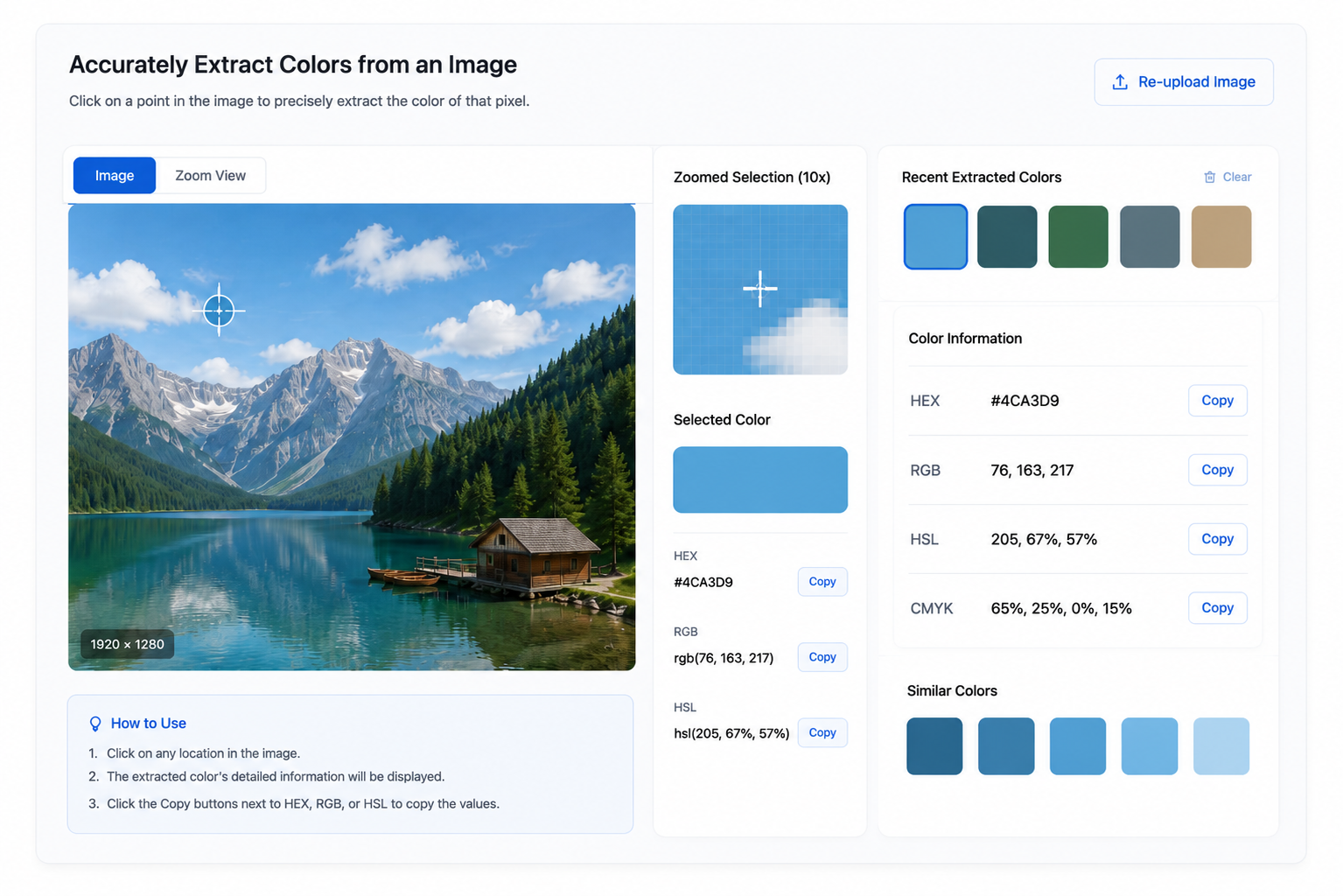
Copy values in three formats
Copy the selected color as HEX, RGB, or HSL and paste it into a design tool, stylesheet, or document.
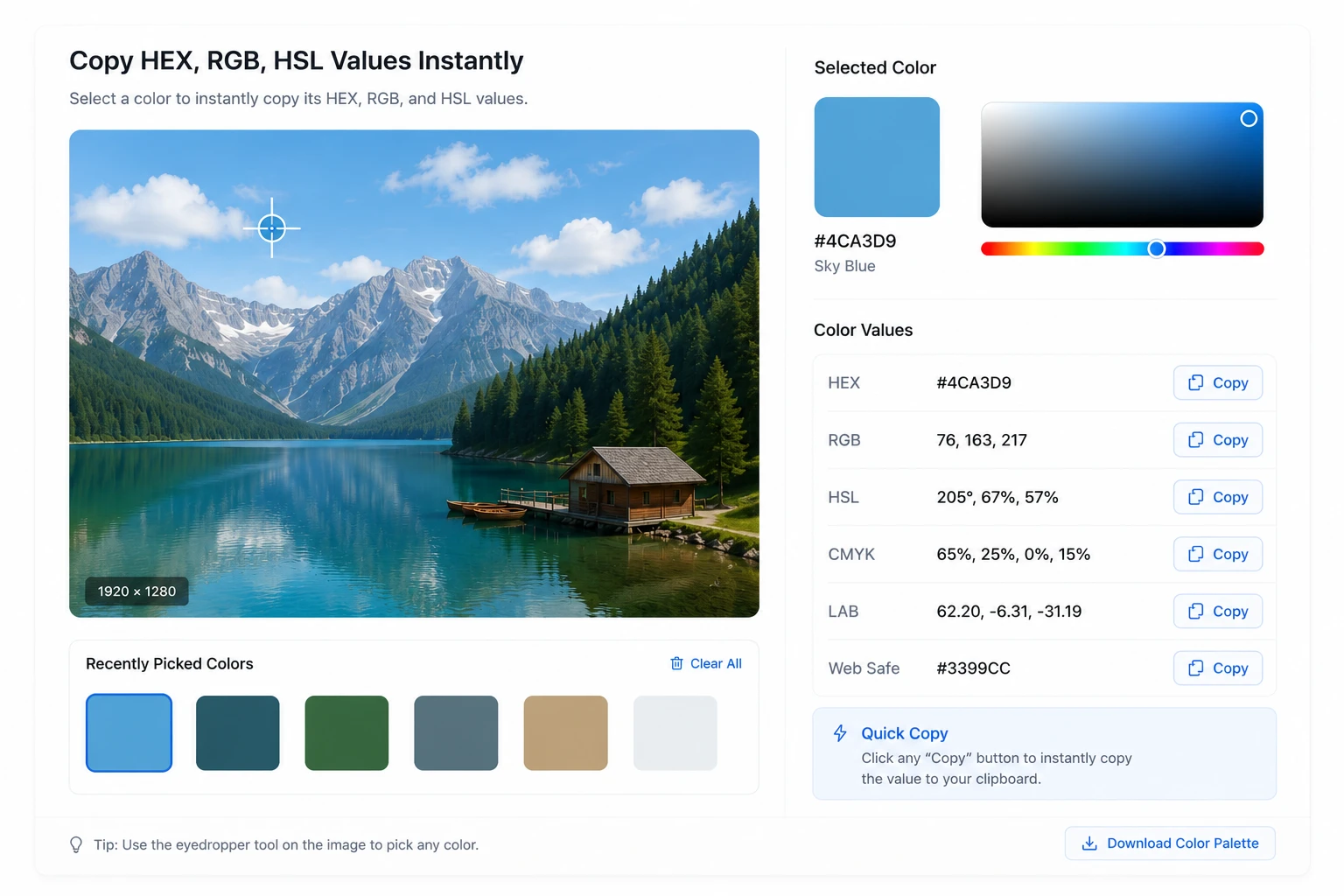
Where a color picker helps
Use it when you need the value of a color that already appears in an image.
Checking brand colors
Extract the exact primary color from a logo or brand photo and apply it consistently across business cards, websites, and presentations. Especially handy when a brand has no color guide to refer to.
Grabbing colors during web development
Screenshot a site you want to reference and read its button, background, and text colors as HEX values right away. Get the color codes you need for CSS without opening developer tools.
Reviewing design implementations
Capture the design mockup and the implemented screen, then compare the color at the same spot in each. Differences between design and implementation become objective numbers.
Frequently asked questions
What formats can I view the extracted color values in?
The selected color is available in the most common formats — HEX, RGB, and HSL.
| Format | Example | Commonly used in |
|---|---|---|
| HEX | #0066cc | HTML, CSS, design systems |
| RGB | rgb(0, 102, 204) | CSS, JavaScript, graphics work |
| HSL | hsl(210, 100%, 40%) | Adjusting lightness and saturation |
HEX is the most common in web design, RGB is intuitive for on-screen colors, and HSL is handy when adjusting a color's lightness and saturation.
Can I pick colors from a screenshot?
Yes. Choose a screenshot of a website, app screen, design mockup, or document, then click any spot to read its color. This is useful for checking a webpage's button color, banner background, logo, or icon. If the screenshot was compressed or captured at a different zoom level, its pixels may differ slightly from the original screen.
Are the extracted colors accurate?
Colors are read from the actual pixels in the image, so you get the color value at the exact spot you click. That said, if the image is compressed or has shadows, gradients, transparency, or anti-aliasing, the pixel may appear blended with nearby colors. For the most accurate result, click a solid-color area or use a high-quality image close to the original.