
Image Format Converter
Choose PNG, JPG, or WebP as the output and create a new file. Boltpic does not send the source image to its server.
How to use the image format converter
Choose an image and output format, adjust quality when available, and save the new file.
Choose an image
Choose the image you want to convert. PNG, JPG, and WebP files are supported.

Choose the output format
Pick PNG, JPG, or WebP as the output. Choose PNG or WebP if you need a transparent background, JPG for simply sharing photos, and WebP when web optimization is the goal.
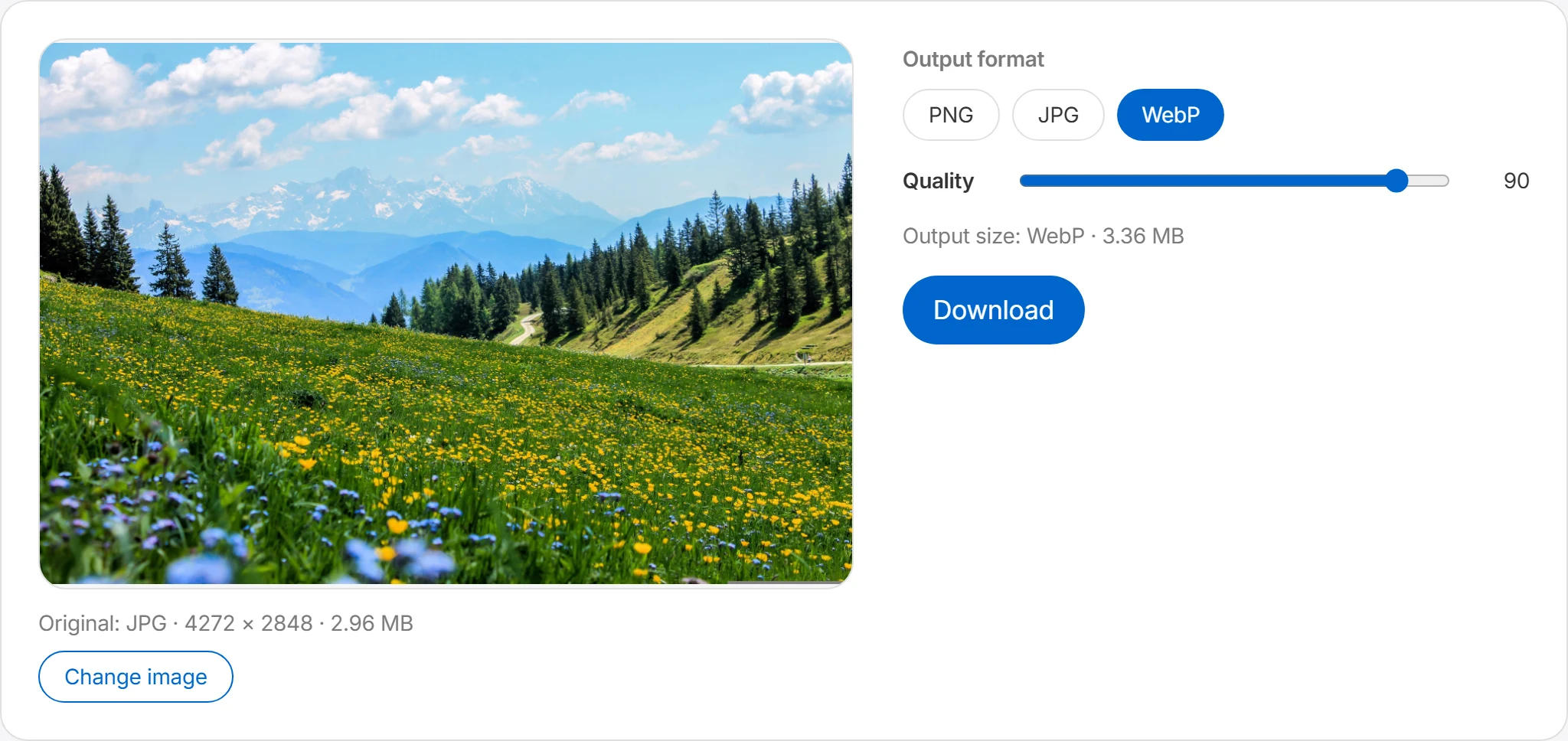
Adjust the quality
When converting to JPG or WebP, use the quality slider to control the compression. The estimated output size is shown alongside, so you can balance quality against size as you adjust. Note that JPG has no transparency — transparent areas become white.
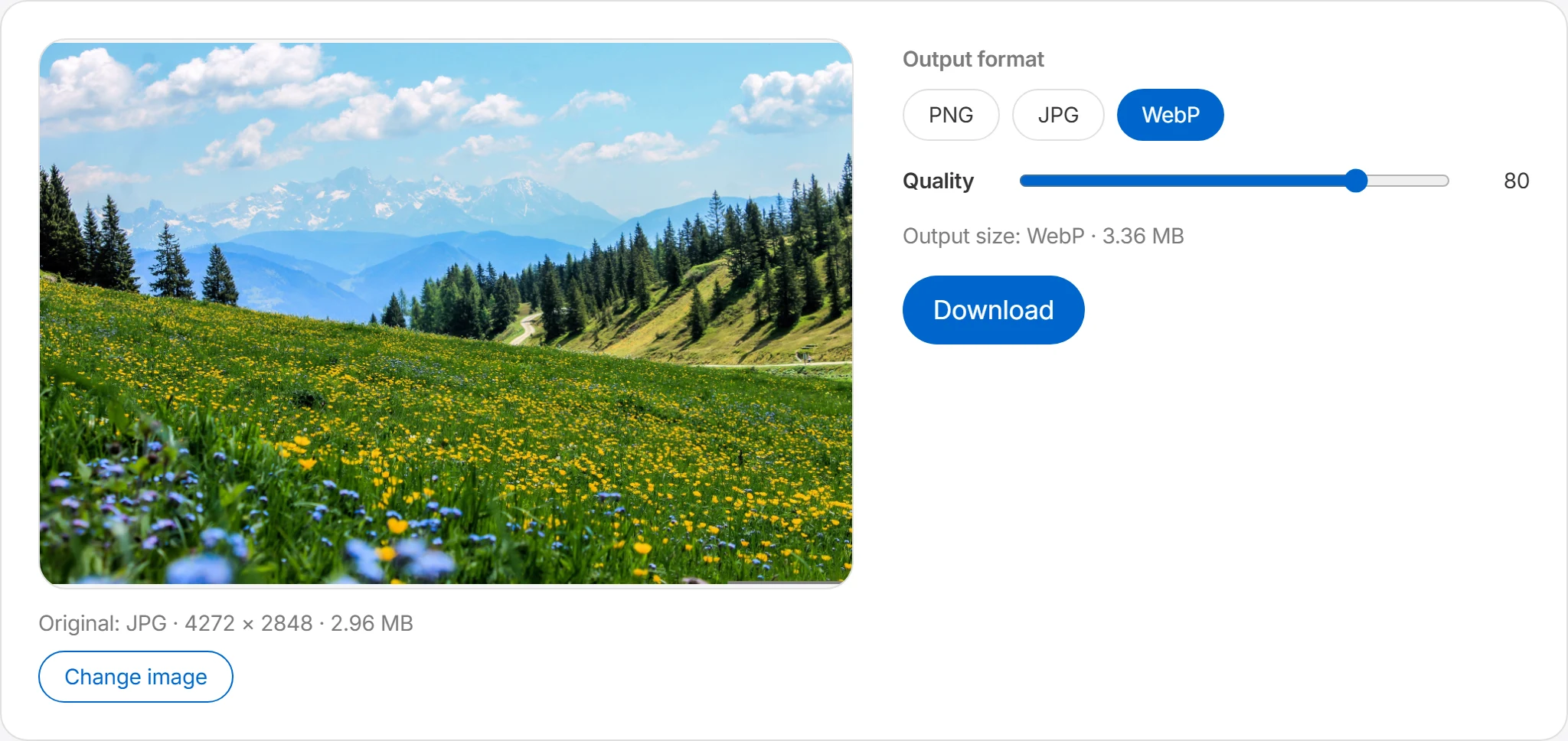
Download
Press the download button to save the converted image. The original file is not modified and stays as it is.
Convert between PNG, JPG, and WebP
Choose an output format based on the image and where you plan to use it.
Convert locally in your browser
The selected image is converted in your browser and is not sent to Boltpic's server.
Choose a format for the job
Each format has different strengths. Here are conversions matched to the situation.
WebP for websites
Converting JPG and PNG images to WebP often shrinks them substantially at similar quality. Standardizing your blog, shop, or landing-page images on WebP is an effective way to speed up loading.
PNG for transparent logos
Save transparent logos, icons, and stickers as PNG or WebP. Compare file size and check whether the destination accepts the chosen format.
JPG for compatibility
When an older system or a particular program can't handle WebP, converting to JPG makes the file readable almost anywhere. It's also a safe choice for email attachments and document inserts.
Slimming down screenshots
A screenshot saved as PNG can be large. Compare a WebP copy, or a JPG copy when transparency is unnecessary, and check that text and fine lines remain clear.
Frequently asked questions
Which formats are supported?
Conversion is supported for PNG, JPG, and WebP images. Select an image, choose the output format you want, and it's converted right in your browser.
Will the quality drop?
The resulting quality can vary by format. PNG keeps relatively sharp quality but can have a larger file size, while JPG reduces the size at the cost of slight quality loss from compression. WebP generally keeps good quality while helping reduce the file size. Images with many colors, like photos, suit JPG or WebP, while images where crisp edges matter, like logos or icons, suit PNG.
Can I convert transparent images?
Yes, you can convert PNG images with a transparent background. However, the JPG format doesn't support transparency, so converting a transparent PNG to JPG may fill the transparent areas with white or a set background color. If you need to keep a transparent background, we recommend saving as PNG or WebP. For files that need transparency in particular — like logos, icons, and stickers — it's best to avoid converting to JPG.
Which format should I choose among PNG, JPG, and WebP?
Choose based on the destination. WebP is often efficient for websites. PNG and WebP both support transparency, but you should confirm that the destination accepts the selected format. JPG is a common option for photos when transparency is not needed.
Does converting also reduce the file size?
The file size can shrink depending on the format. Converting a PNG image to JPG or WebP in particular often reduces the file size. That said, the resulting size can vary with the image's number of colors, resolution, compression quality, and whether it has transparency. If size optimization is your goal, use WebP conversion together with the quality adjustment.