
CSS Gradient Generator
Adjust color stops and angles on screen to build linear and radial gradients. Copy the finished CSS when the preview looks right.
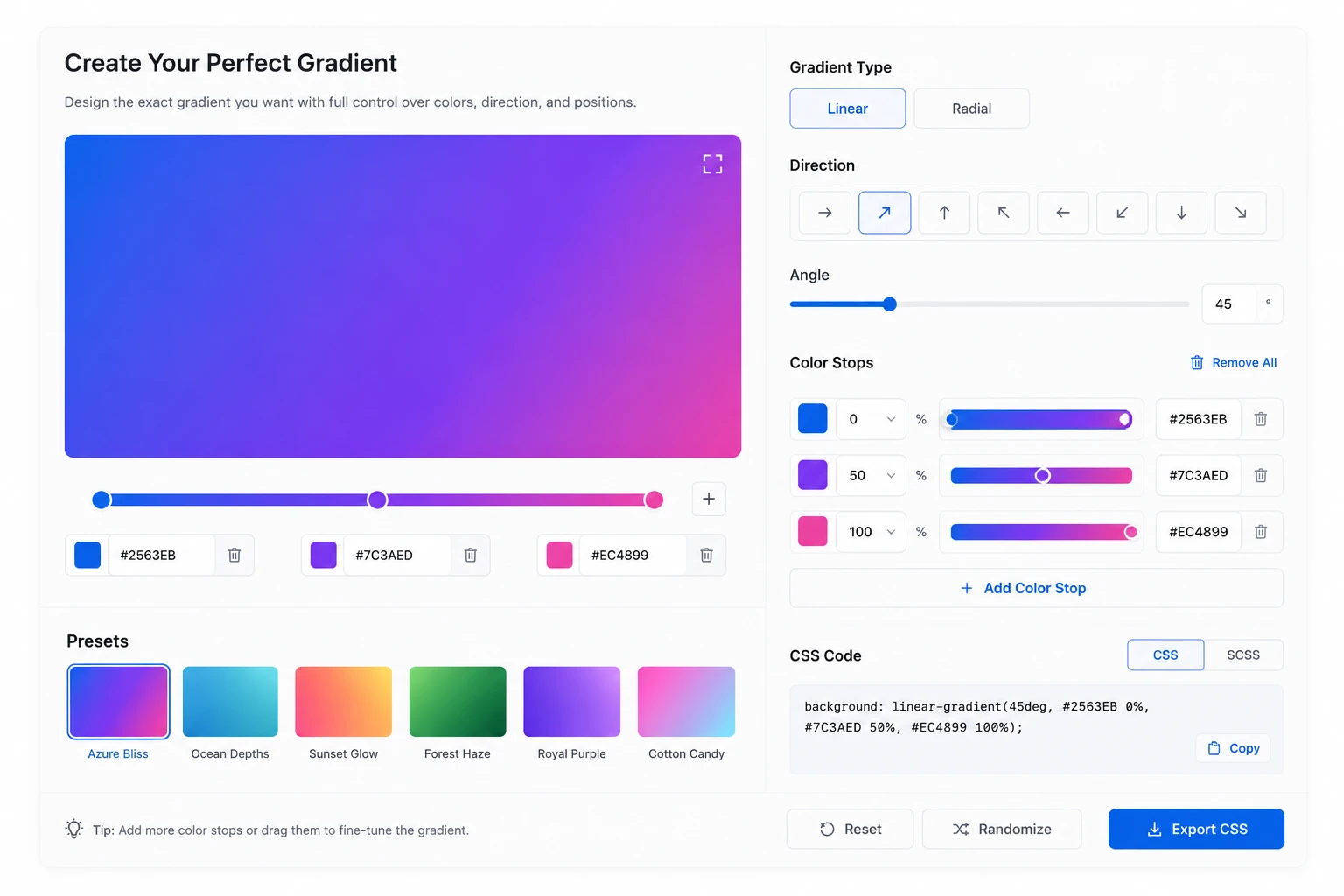
Click the bar to add a stop, drag a handle to move it, or click a handle to remove it.
background: linear-gradient(90deg, #0066cc 0%, #2997ff 100%);How to use the CSS gradient generator
Set the type and stops, check the preview, then copy the generated CSS.
Choose the type and direction
Start by choosing linear or radial. For linear gradients, set the angle to control which way the colors flow; for radial gradients, choose a circle or ellipse to shape how the color spreads.
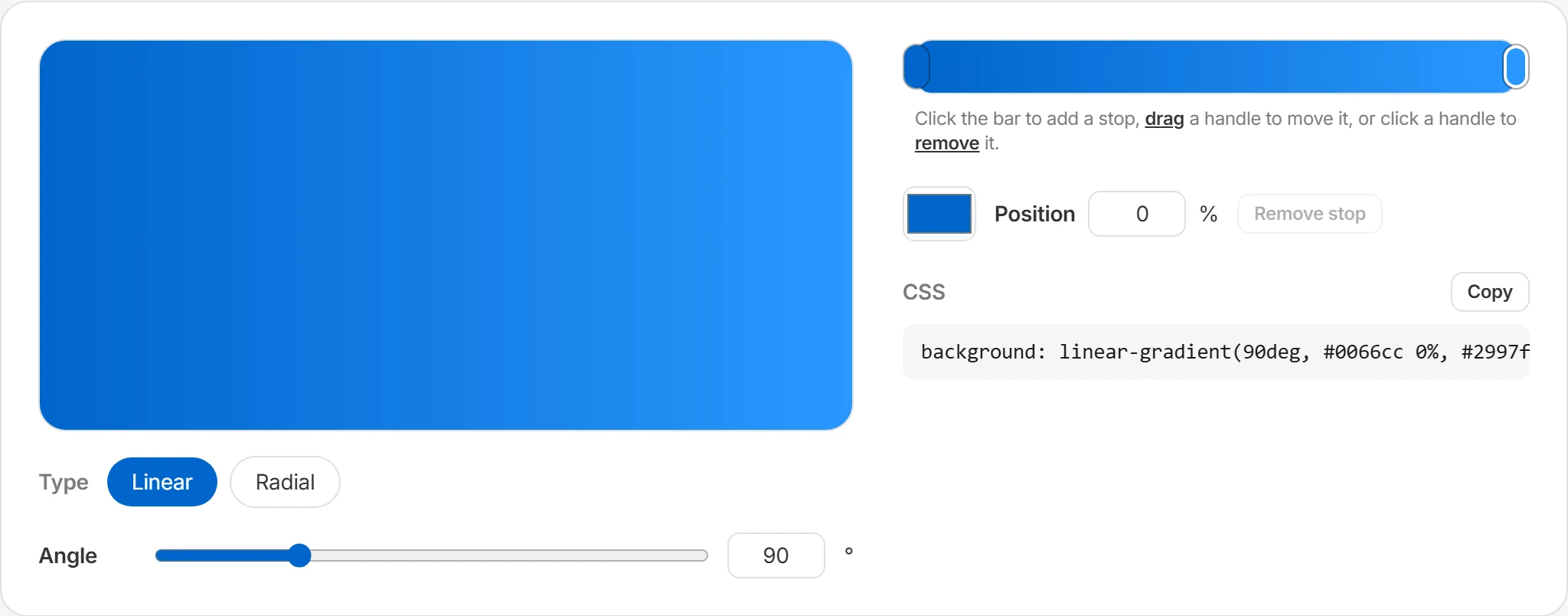
Edit the color stops
Click the color bar to add a stop, drag a handle to move it, and click a handle to remove it. Adjust each stop's color and position (%) to shape the color flow you want.
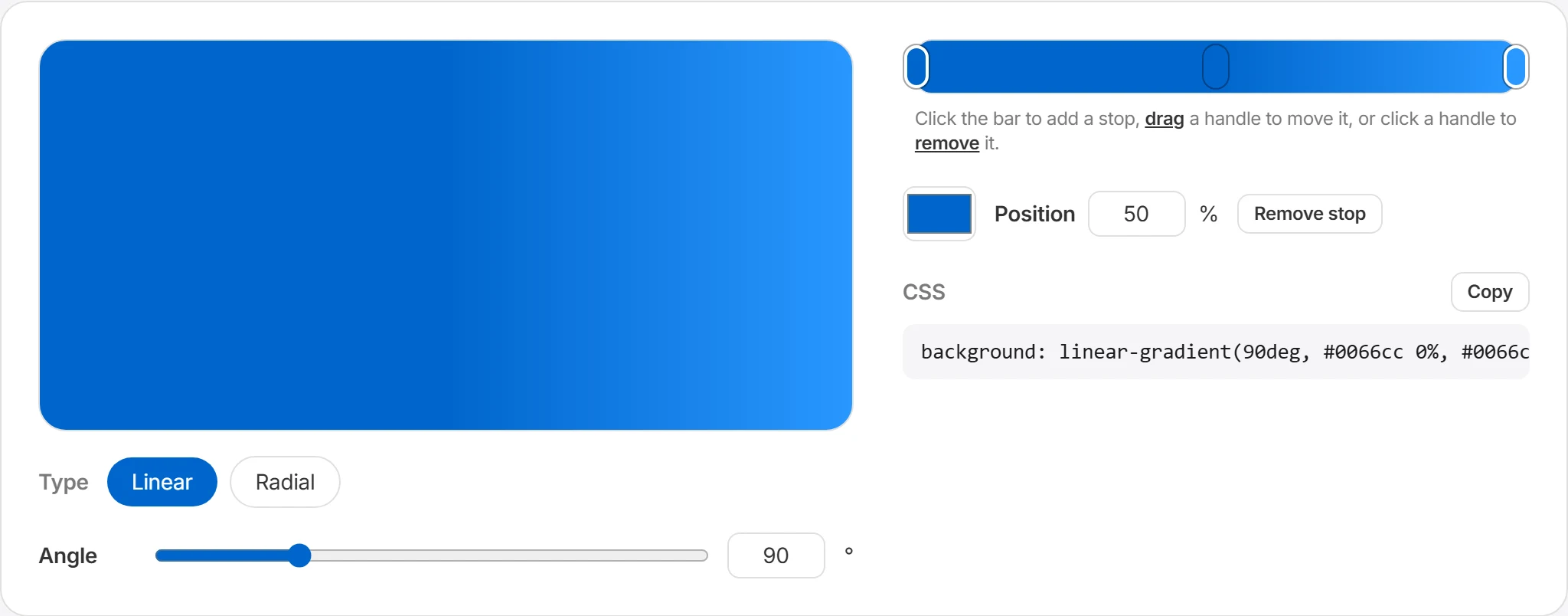
Check the live preview
The preview updates as you change the settings. Check the gradient in the context where it will be used, such as a background, button, or banner. You can also open a preset in the editor and adjust it.
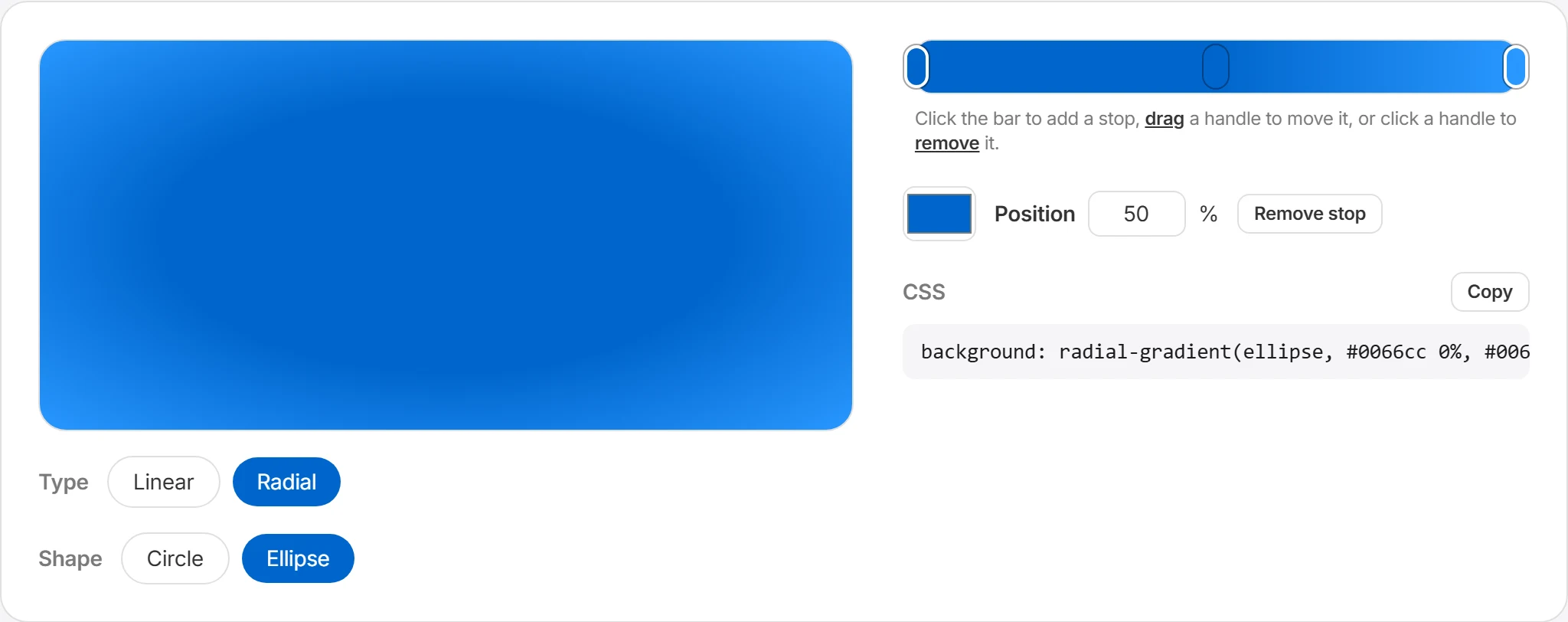
Copy the CSS code
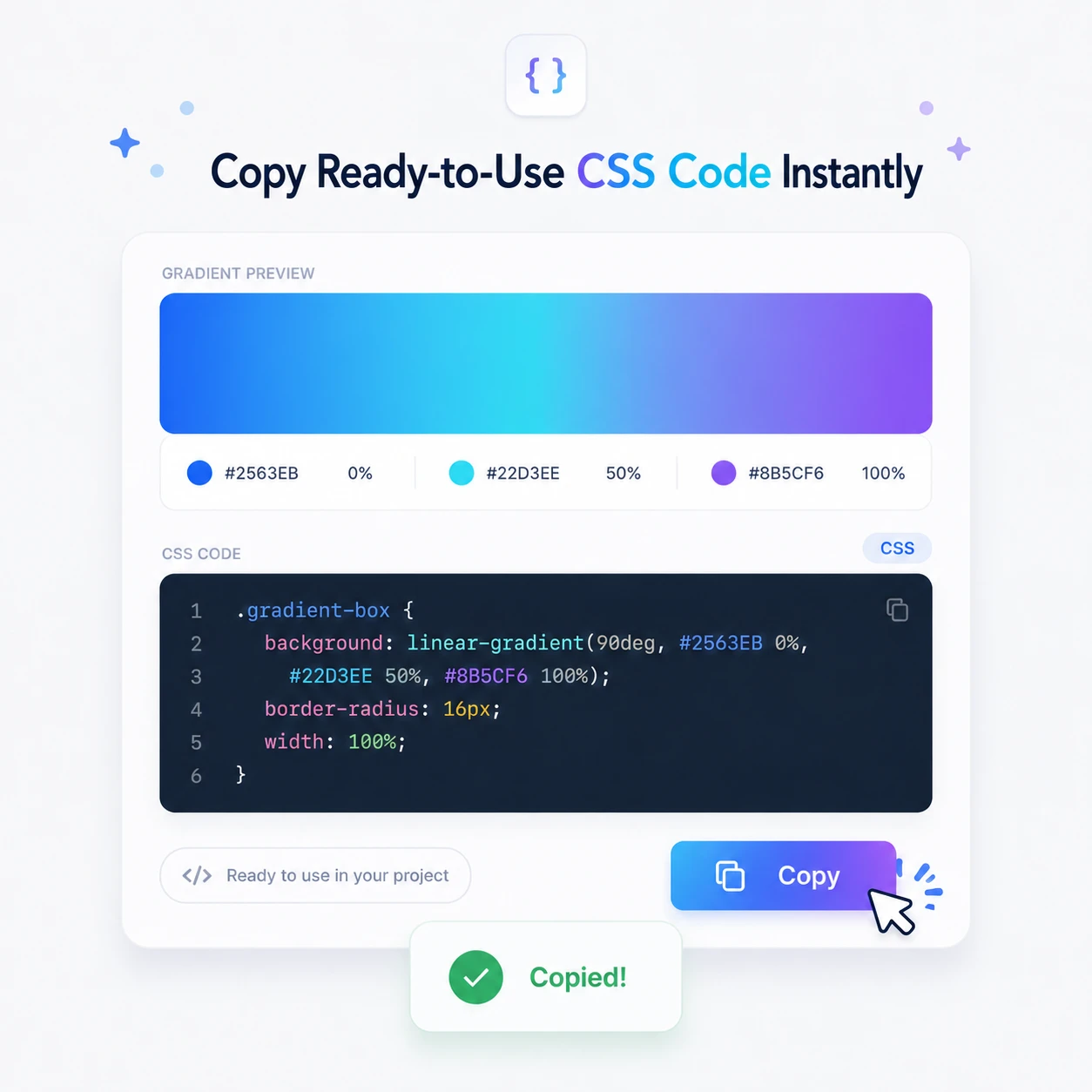
When you're done, the background declaration is generated automatically in the CSS output area. Press copy to save it to your clipboard and paste it straight into your stylesheet or component styles.
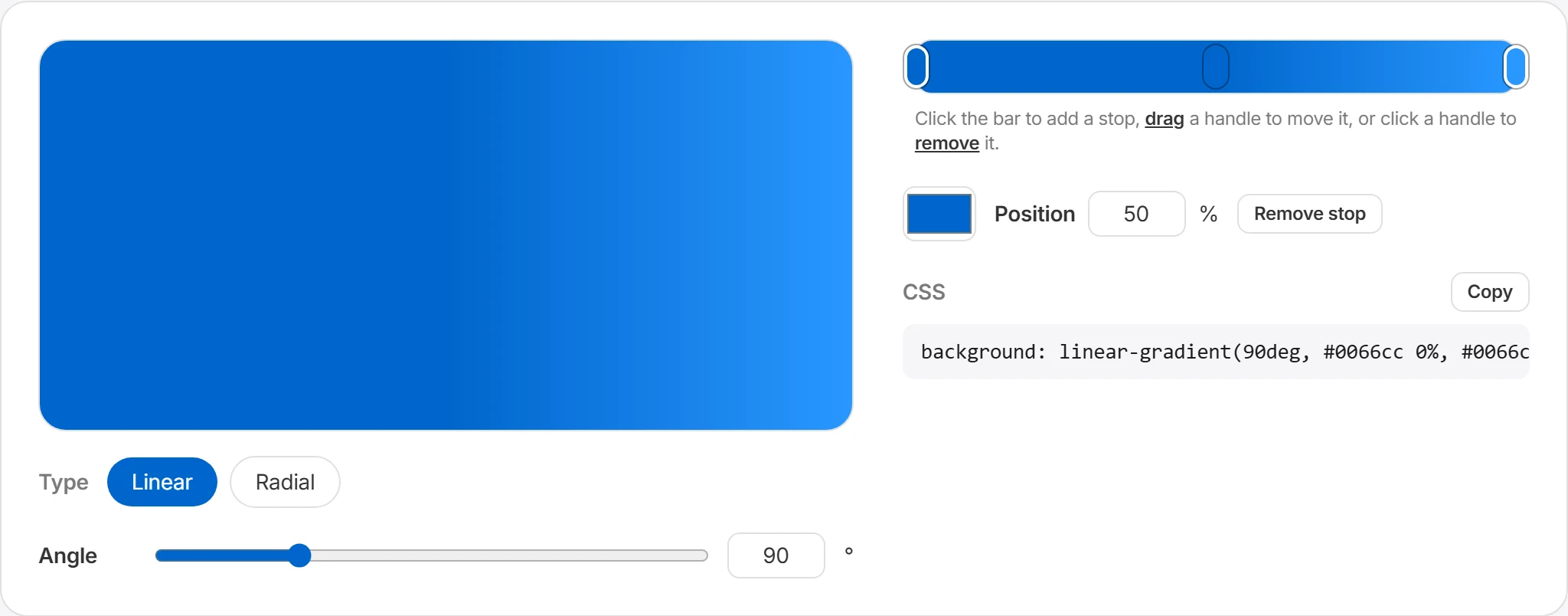
Adjust the gradient in the preview
Change colors, stop positions, type, shape, and angle while checking the result in the preview.
Copy the generated CSS
Your finished gradient is turned into a CSS background declaration automatically. Press the copy button to save the code with your current settings to the clipboard and paste it straight into your project.
Ways to use gradients
Gradients can provide a background, accent, or overlay without a separate image file.
Hero & banner backgrounds
Use a gradient based on your brand colors behind the main visual area. Because CSS can draw it without a separate background asset, it may also reduce an unnecessary image request.
Button & card accents
A subtle gradient on buttons or cards draws the eye better than flat solid colors. Starting with two stops of the same hue at different brightness rarely goes wrong.
Thumbnail & poster backgrounds
Use gradients behind thumbnails, event posters, and social cards. Check the contrast between the text and every part of the background; add an overlay when the contrast is uneven.
Dark-mode backgrounds
Gradients between dark tones give depth to dark-theme screens. Mixing deep navy and purple shades instead of pure black creates a softer impression.
Recommended gradients
Choose a preset to edit it in the editor, or copy its CSS for your project. Adjust the colors, stops, and angle to suit a background, button, card, banner, or poster.
background: linear-gradient(90deg, #0066cc 0%, #2997ff 100%);background: linear-gradient(60deg, #ff5e62 0%, #ff9966 100%);background: linear-gradient(120deg, #2193b0 0%, #6dd5ed 100%);background: linear-gradient(135deg, #6a11cb 0%, #2575fc 100%);background: linear-gradient(90deg, #11998e 0%, #38ef7d 100%);background: linear-gradient(45deg, #ee9ca7 0%, #ffdde1 100%);background: linear-gradient(110deg, #00c6ff 0%, #7d5fff 50%, #ff5edf 100%);background: radial-gradient(ellipse, #ffd86f 0%, #fc6262 100%);Frequently asked questions
Which gradient types are supported?
Linear and radial gradients are supported. A linear gradient blends colors smoothly in one direction. Adjust the angle to flow left to right, top to bottom, diagonally, or any way you like. A radial gradient spreads color outward from a center point. It's great for glowing backgrounds, highlight areas, and soft accent effects. Examples) Linear gradient: buttons, banners, card backgrounds Radial gradient: hero backgrounds, accent effects, lighting feel
Can I copy the CSS code?
Yes, the gradient you create can be copied straight away as a CSS background declaration. For example, creating a linear gradient generates code like this.
background: linear-gradient(90deg, #0066cc 0%, #2997ff 100%);You can use the copied code in CSS files, React/Vue component styles, HTML inline styles, Tailwind custom styles, and more.
Is there a limit on the number of color stops?
A color stop marks where a color starts or changes within a gradient. Two colors are usually enough for a basic gradient, and adding more stops lets you build richer, more complex color flows. For example, a simple background that goes from blue to purple needs only two stops, while designs with several colors in sequence — like a rainbow or a layered background — work well with three or more. That said, too many stops can make the color flow look busy, so two to four is a good range for typical UI design.
Can I edit the recommended gradients?
Yes. You can copy a recommended gradient and use it as is, or open it in the editor to change the colors or angle. If picking colors from scratch feels hard, start from a recommended preset and then adjust it little by little to match your brand colors or the mood of your project.
Do gradients display well across browsers?
Most modern browsers support CSS linear-gradient() and radial-gradient(). Major browsers like Chrome, Edge, Safari, and Firefox generally handle them without issues. That said, older browsers or unusual environments may render some details differently, so it's a good idea to check in the major browsers before shipping to production.